F&B
Fast checkout, ingredient stock, table management, and open bill per table .
Cafe · Restaurant · Coffee shop
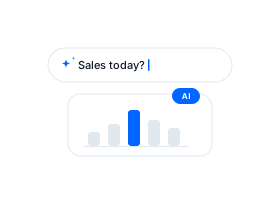
Just record daily transactions. Sales reports, stock, and other insights are ready in the dashboard and modula Assistant
Free to try · No card or payment required · Runs on any device
Why Modula
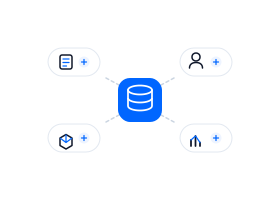
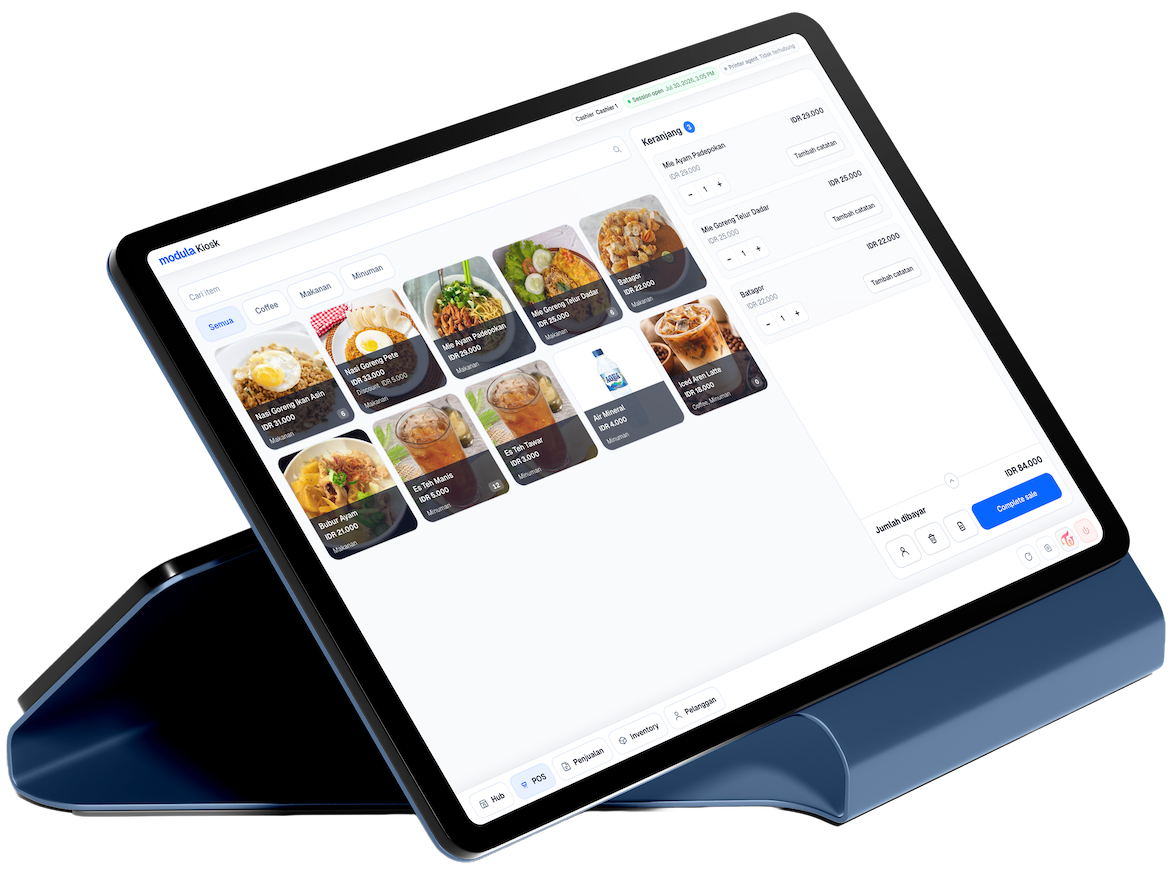
Cashier, stock, CRM, and bookkeeping together. No need to open several separate apps.
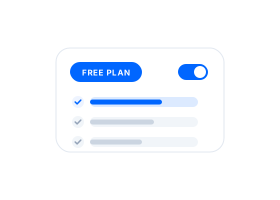
Start free with 1 outlet, 3 team seats, and 30 MCP calls per month—including built-in Assistant (shares that pool). Need more outlets, dynamic QRIS, open bill, or table management? Upgrade to Blue or Navy.
Want today’s sales or stock that is almost out? Ask in built-in modula Assistant , or through ChatGPT, Claude, or Codex with modula MCP.
From the counter to the back office, in one Modula Kiosk.

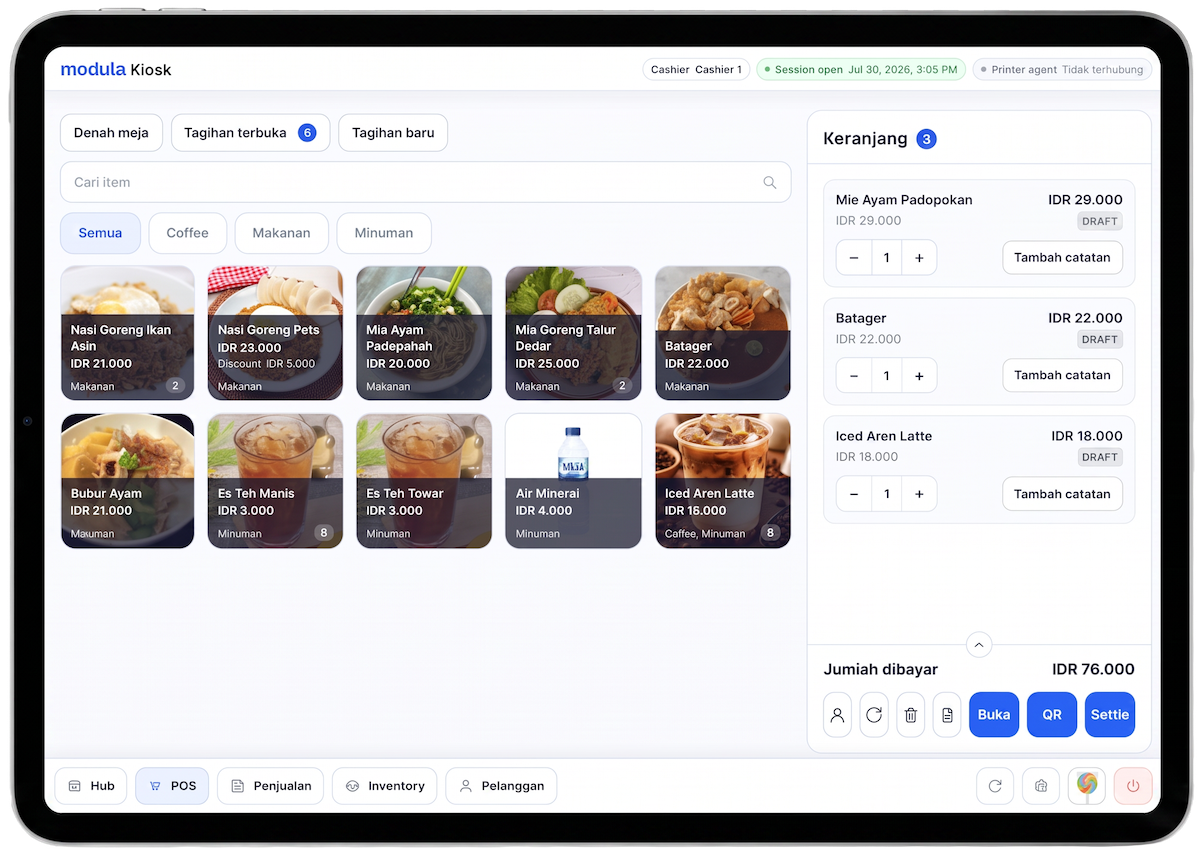
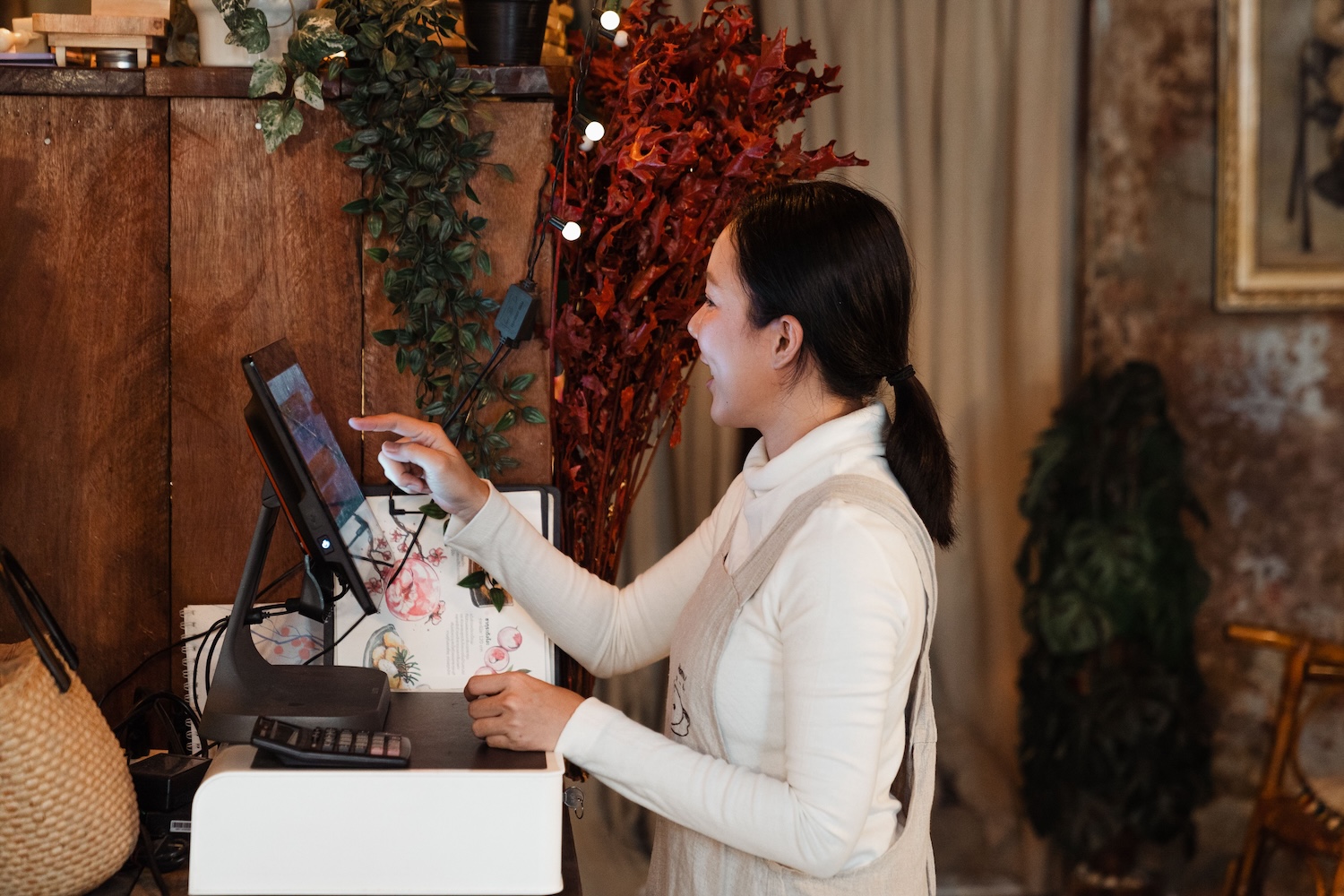
Open the register on a tablet, tap items from the grid, take cash or QRIS, and print the receipt before the next customer waits. Add a note on the line when someone wants it less sweet or no ice, then move on.

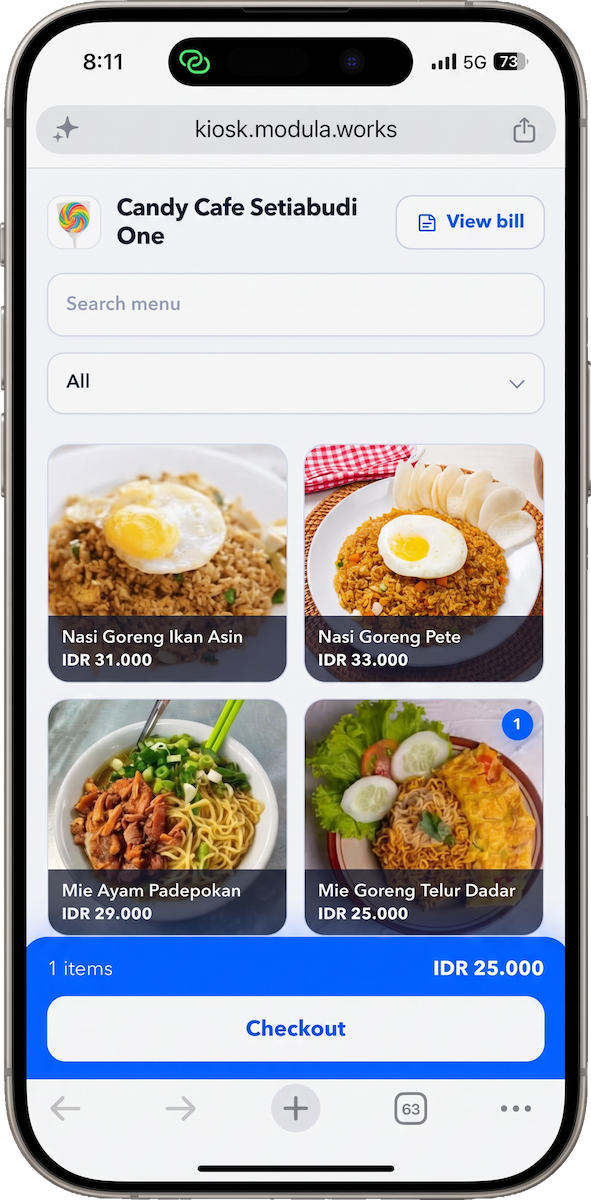
Scan the QR on the table, browse the menu on your phone, and add items to the open bill without waiting for a server. Checkout from the seat when you are ready.

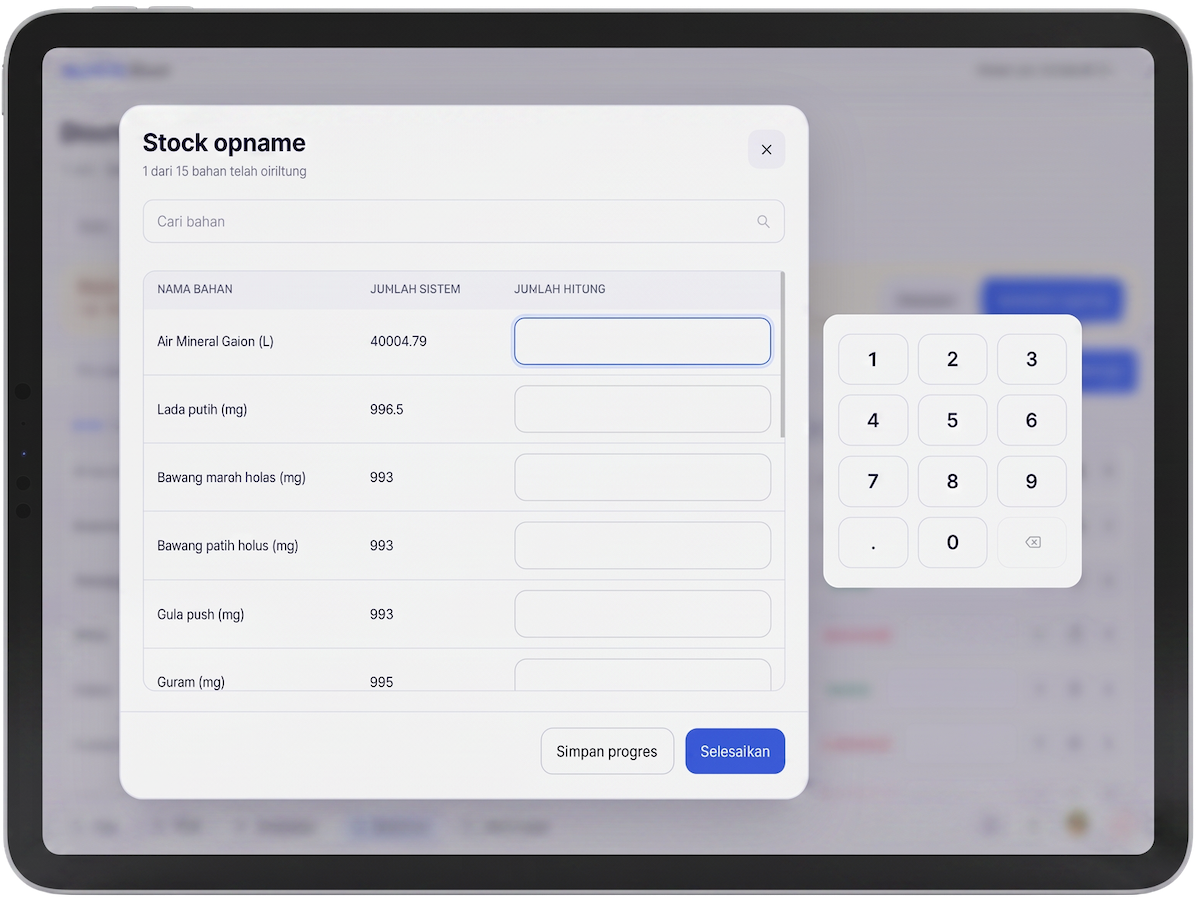
See what is left across items and ingredients, run stock opname when the numbers drift, and catch low stock early so you reorder before the shelf goes empty. One place for count, adjust, and follow-up.

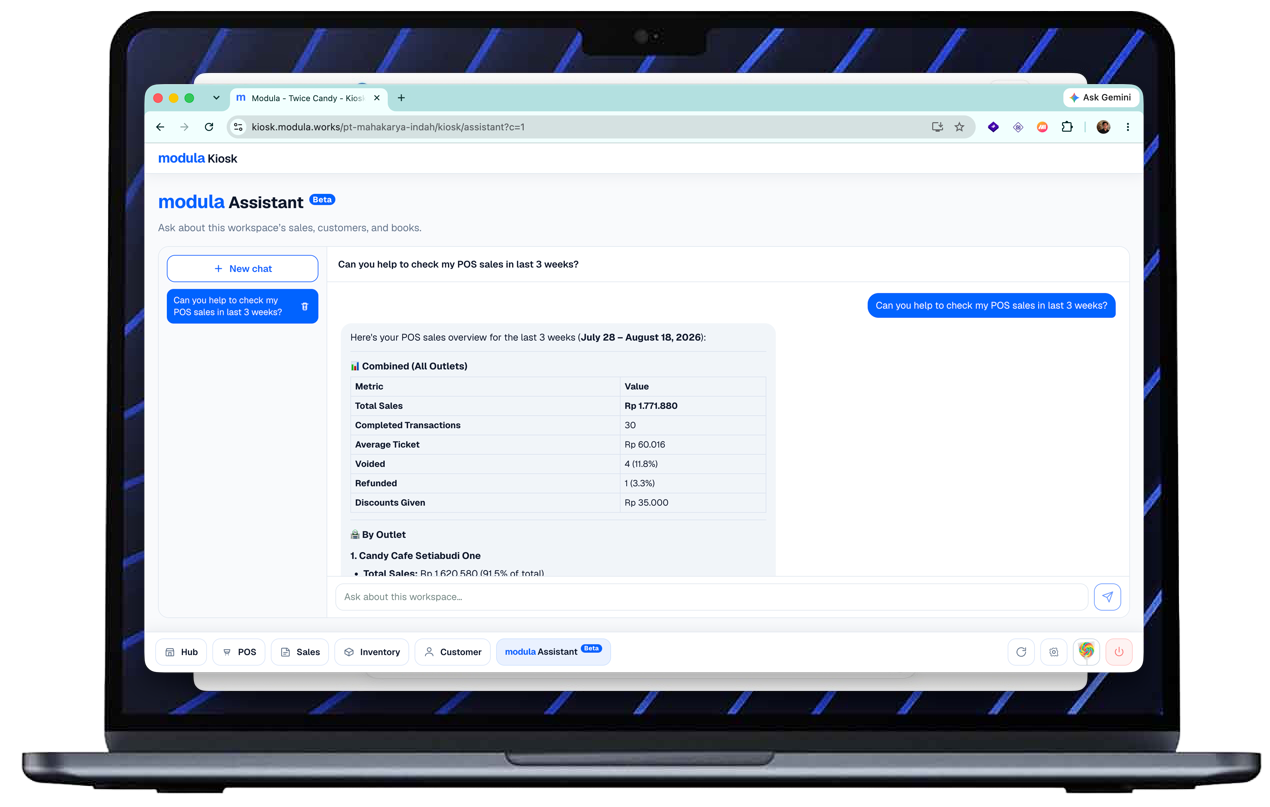
Close the day with a clear session summary, see what sold and what is running thin, then open CRM or Ledger from the same workspace, or ask today’s numbers in chat without digging through reports.
One Kiosk flow for cafes, shops, and services: checkout, stock, and close of day.
Fast checkout, ingredient stock, table management, and open bill per table .
Cafe · Restaurant · Coffee shop
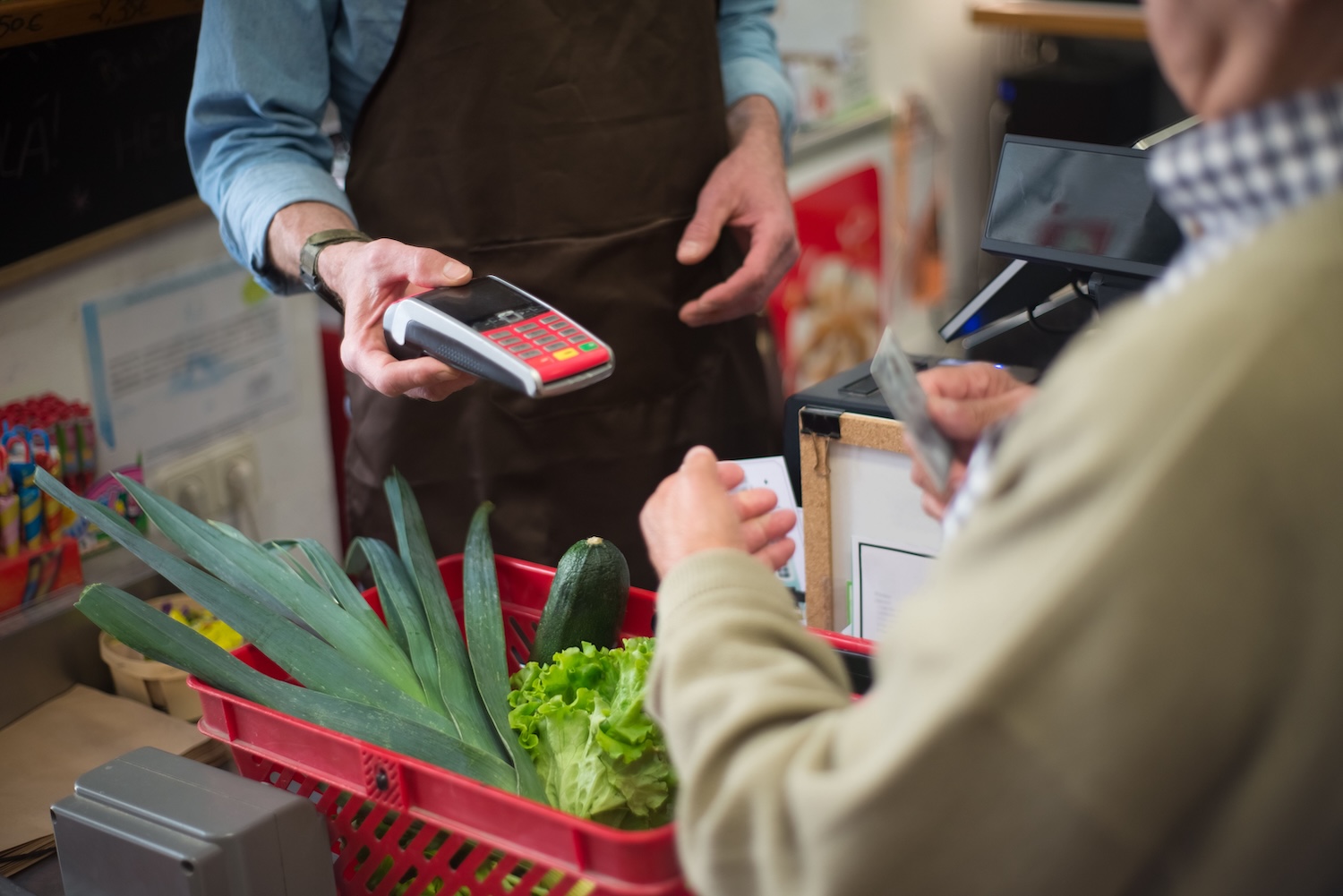
Record sales, watch stock, close the session, print receipts. One flow in Kiosk.
Grocery · Fashion · Specialty retail

Record services, split staff commissions, close the session, print receipts. One flow in Kiosk.
Salon · Barbershop · Spa
Same account and same team as Kiosk.
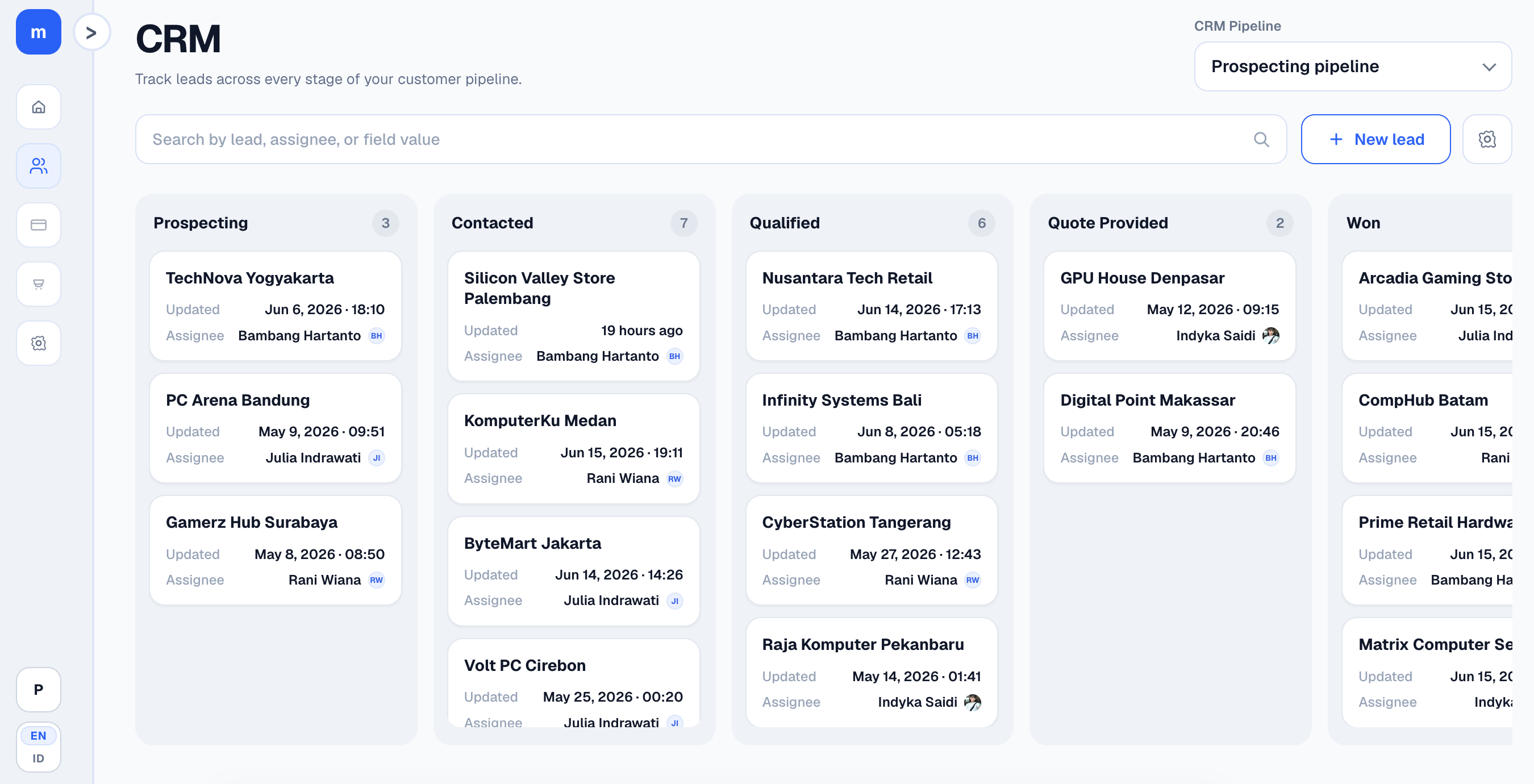
Track leads and deals on a kanban next to counter sales.
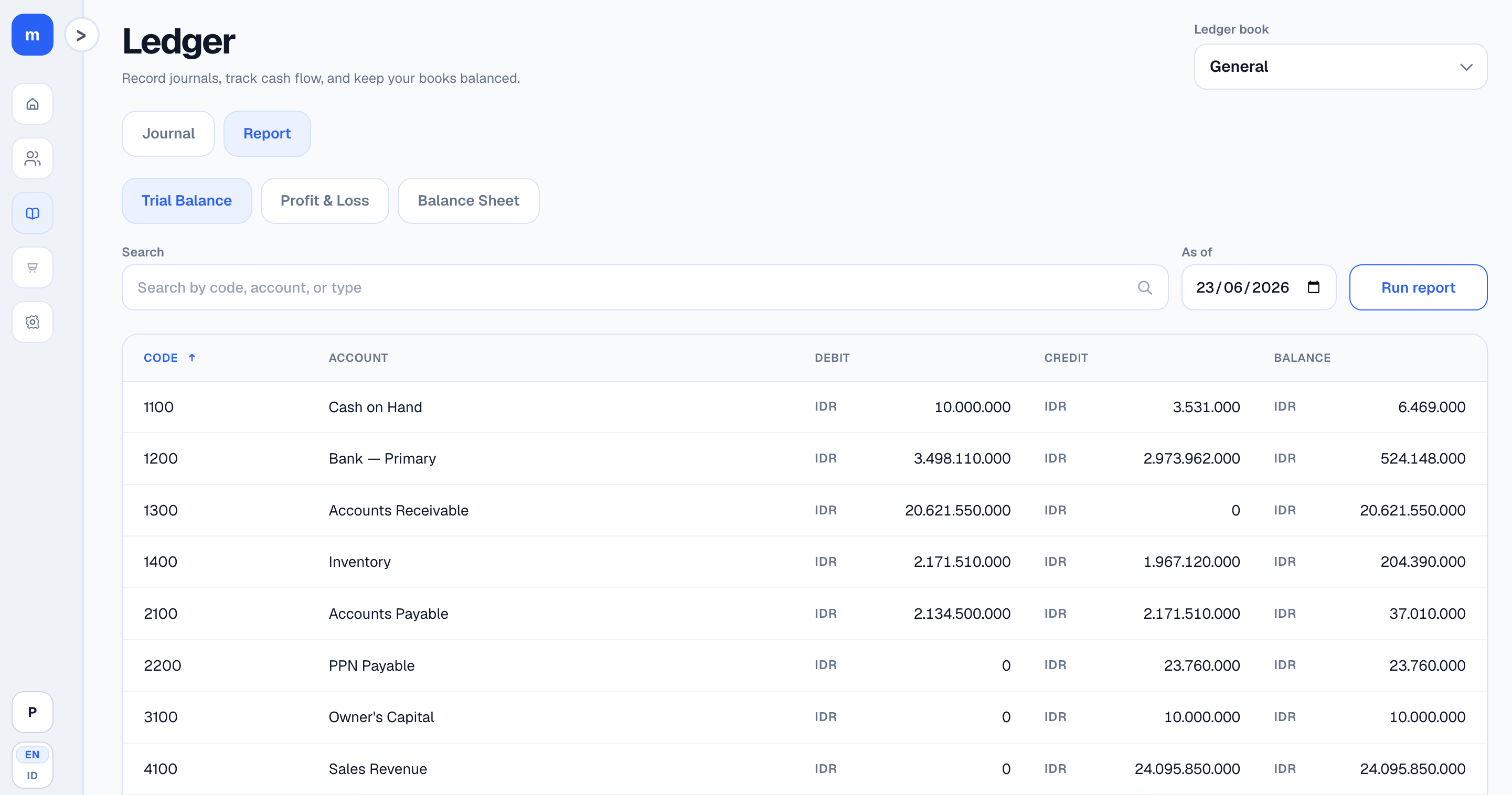
Journals and financial reports without switching to another app.
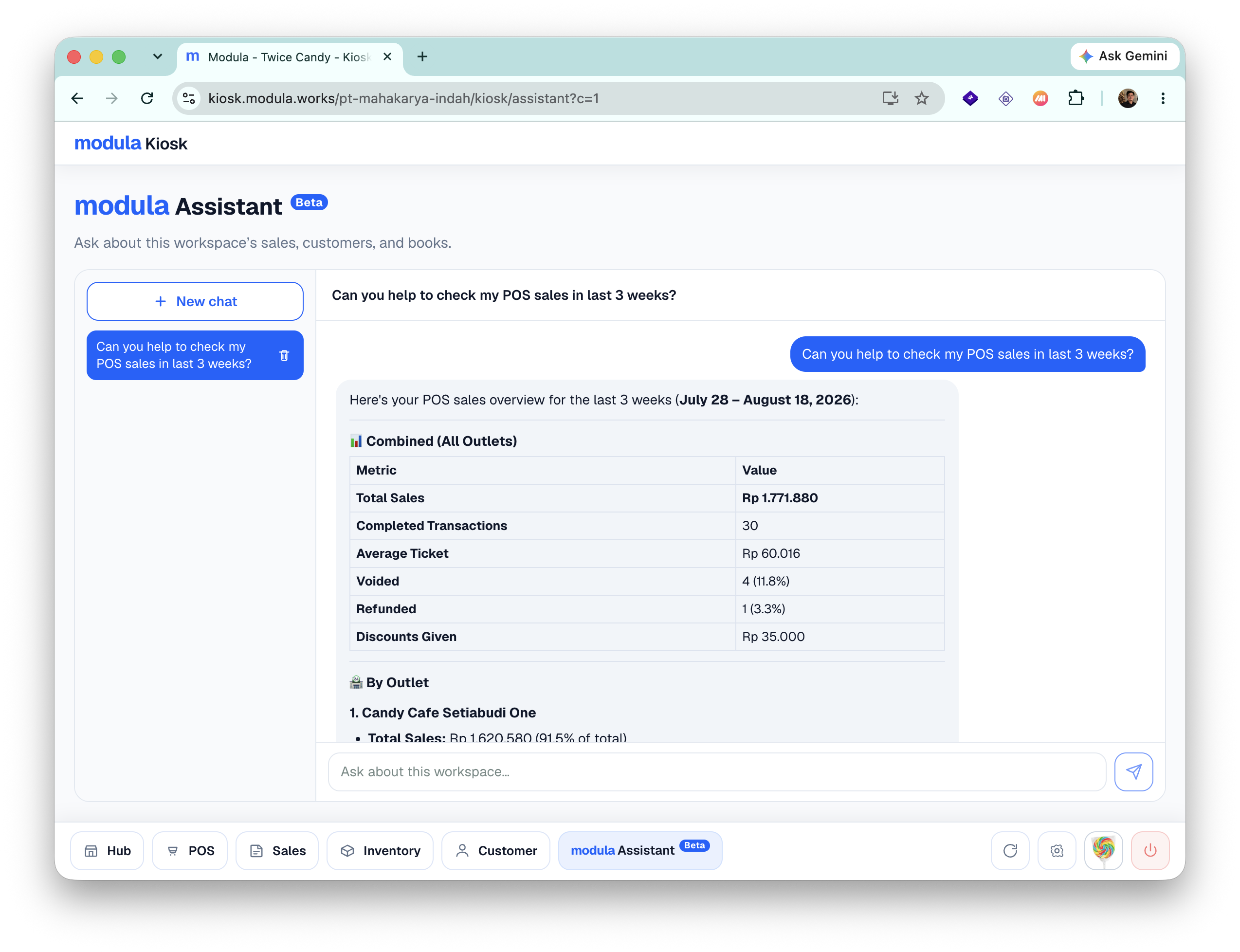
Just type today’s total, top menus, cash over/short, or low stock. Ask directly in built-in modula Assistant or use ChatGPT, Claude, or Codex with modula MCP.
Example questions
Start free. Choose Blue if you have several outlets. Choose Navy if you need tables, dynamic QRIS, or offline POS.
Rp0
Rp199.000
Rp149.000
/ outlet / month ·
or
Rp1.490.000
/ outlet / year
Rp249.000
Rp199.000
/ outlet / month ·
or
Rp1.990.000
/ outlet / year
From a customer

It really helps me and my team with sales operations. Features are complete but easy: sales charts, QRIS, cash, and EDC, new items, and stock opname. Changing cashiers by shift is simple, customer data helps, and trouble is rare. When something breaks, Modula support is fast and clear.
modula is an all-in-one business management platform. It replaces multiple separate tools by combining an easy-to-use Cashier (POS), automatic inventory management, CRM, and financial bookkeeping (Ledger) into a single app.
No. Everything runs on the same account. When you make a sale on the cashier, your stock updates automatically, customer details are saved to your CRM, and financial reports are logged in real time.
Instead of digging through complex reports, you can simply ask modula Assistant questions in plain language (e.g., "What were my top sales today?" or "Which items are low on stock?"). You can use our built-in AI assistant or connect your own tools like ChatGPT or Claude.
None! modula runs on any standard tablet, phone, or laptop you already own. You can connect an optional Bluetooth or thermal receipt printer whenever you are ready.
Yes! Our Free Plan lets you set up your store, start selling, and manage inventory with up to 3 team members at IDR 0. No credit card required.
Blue (from Rp149.000/outlet/mo): Ideal for growing retail and cafes needing multi-outlet management, unlimited staff seats, digital QR menus, and open bills. Navy (from Rp199.000/outlet/mo): Best for full-service F&B. Adds floor plan/table management, table reservations, dynamic  , and offline POS mode.
If you are on the Navy plan, modula continues to process sales offline without interruption. All transaction data automatically syncs back to the cloud as soon as you reconnect.
Absolutely. Your business data is encrypted in transit and stored securely. Role-based permission controls ensure that only team members you authorize can view sensitive reports or financial data.